Grammarly helps you edit as you write.
Thanis shows you how the whole draft is working.
Grammarly can correct, rewrite, clarify, and adjust tone as you work. Thanis steps back and reads the whole piece, then shows you what needs attention and what to revise first.
At a glance
Improve language while you are writing or editing.
Step back and check how the whole draft is working.
Corrections, rewrites, tone and clarity suggestions, and other writing help.
How the draft is doing, why, and what deserves revision first.
Throughout the writing and editing process.
When you want to evaluate the developing or finished draft as a whole.
You can accept or use suggested language.
Thanis leaves the wording to you.
Help as you write vs. a second look at the whole draft.
Help while the writing is happening.
A chance to step back and see the whole thing.
Grammarly does more than grammar.
Grammarly can correct writing, rewrite sentences and paragraphs, adjust tone, and help generate content. Thanis starts with the draft you already have and asks a different question: How well is the whole piece working?
Grammarly helps you edit as you go. Thanis helps you step back, see what still needs work, and decide where to start.
Here’s what that looks like in Thanis.
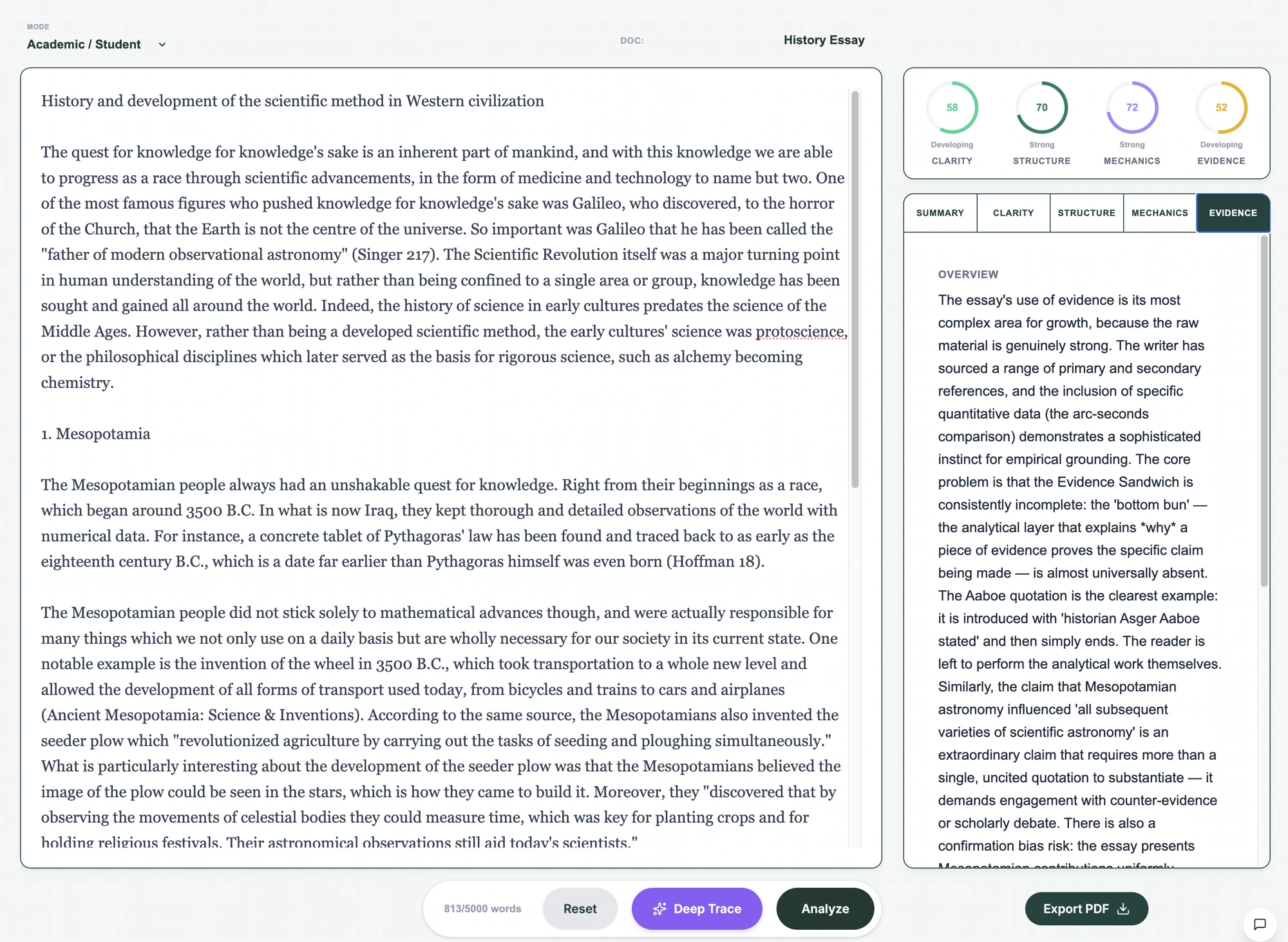
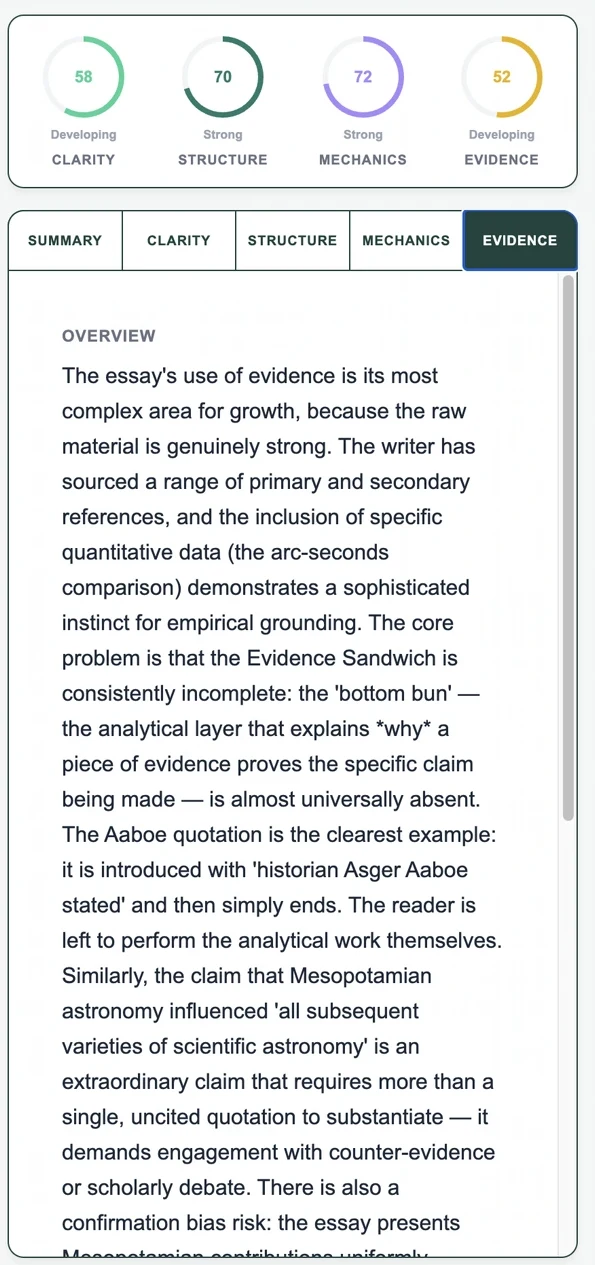
See how the draft is doing
Understand why
Know what to work on first
Academic, Writer Pro, and Executive reviews each look for what matters in that kind of writing.
A real Thanis review — captured from production.
When Grammarly fits
Use Grammarly when you want help correcting, clarifying, rewriting, or adjusting language while you work.
When Thanis fits
Use Thanis when you want to step back, look at the whole draft, and understand what deserves attention before you keep revising.
Can you use both?
Yes. Grammarly can help you improve the language as you write. Thanis can help you step back and decide whether the draft itself is working and what to tackle next.
Frequently asked questions
What is the biggest difference between Thanis and Grammarly?
Grammarly helps you improve the language while you write. Thanis reads the whole draft and shows you how it is doing, why, and what to revise first.
Can Grammarly and Thanis be used together?
Yes. Grammarly can help improve language as you write, while Thanis can help you evaluate the developing or completed draft as a whole.
Does Thanis automatically rewrite sentences?
No. Thanis reviews the writing and gives feedback. You decide what to change and make the edits yourself.
Product capabilities change. This comparison reflects publicly described product information reviewed August 23, 2026.
Before you call the draft done,
run it through Thanis.
See what needs work, why, and what to revise first.